Step 1 — Open Send Bill and read the methods
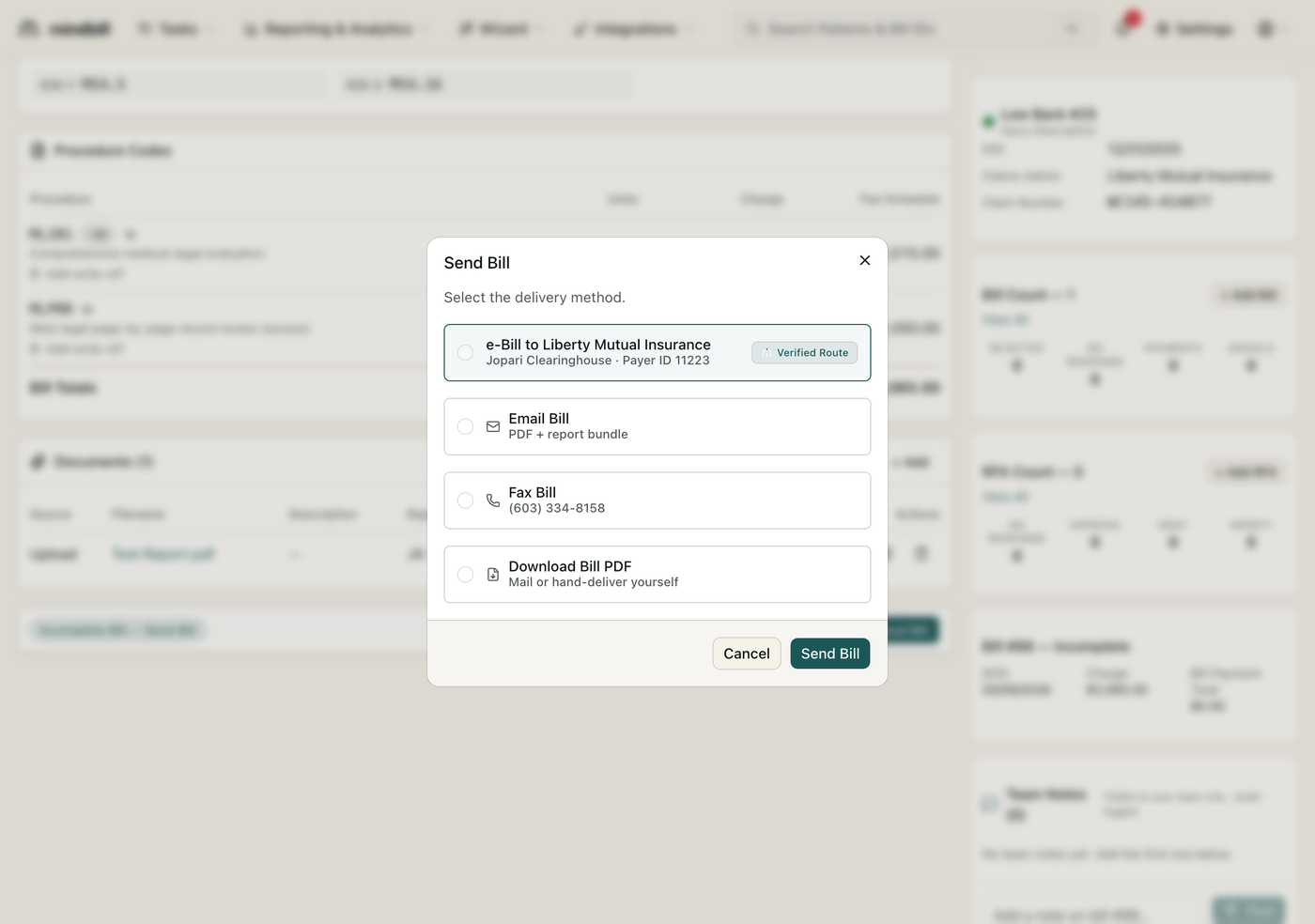
On a finished, scrub-clean bill, click Send Bill to open the delivery-method dialog. It lists every option: e-Bill (the default), Email Bill (PDF + report bundle), Fax Bill (to the payer's fax on file), and Download Bill PDF for mail or hand-delivery. You choose the method here once per bill — Mindbill remembers the verified route per payer so you rarely override it.
Step 2 — Send electronically (the default)
The e-Bill option shows the verified route for that payer — e.g. 'e-Bill to Liberty Mutual Insurance · Jopari Clearinghouse · Payer ID 11223 · Verified Route.' Electronic is the default because it pays in roughly 10 days versus 38 for paper, and Mindbill auto-selects the right clearinghouse (Carisk, Jopari, or Data Dimensions) for that payer so you never pick one by hand. Click Send Bill and the 837P is built and dispatched.
Step 3 — Use the paper and email fallbacks
Some payers — self-insured employers, certain public entities — only take paper. For them, choose Fax Bill (Mindbill sends to the fax on file) or Download Bill PDF and mail the print packet, which Mindbill assembles with a cover sheet and the supporting documents. Email Bill bundles the PDF and report for payers that accept it. Whichever fallback you use, the bill and its documents travel together rather than as separate mailings.
Step 4 — Inspect the envelope and the timeline
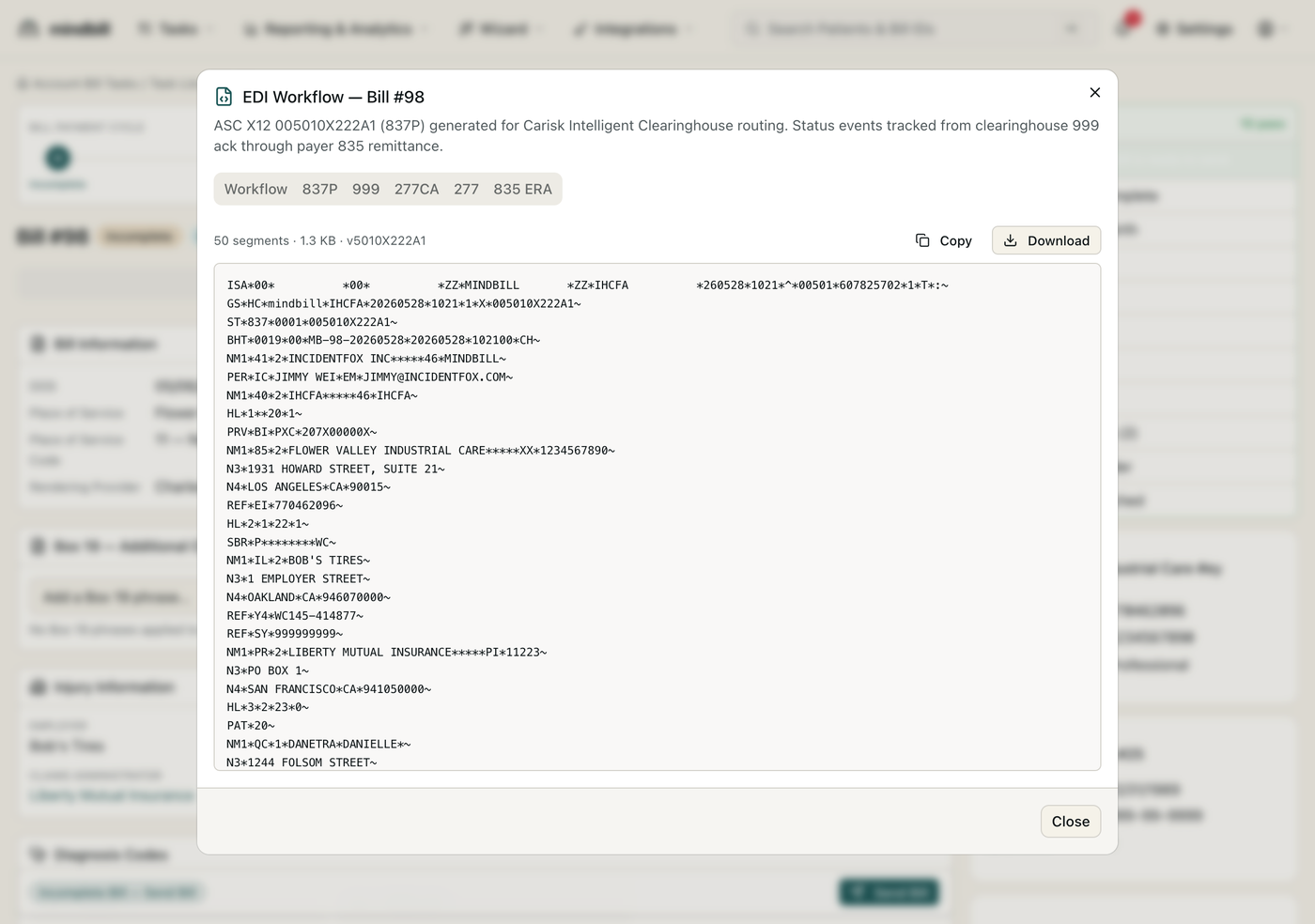
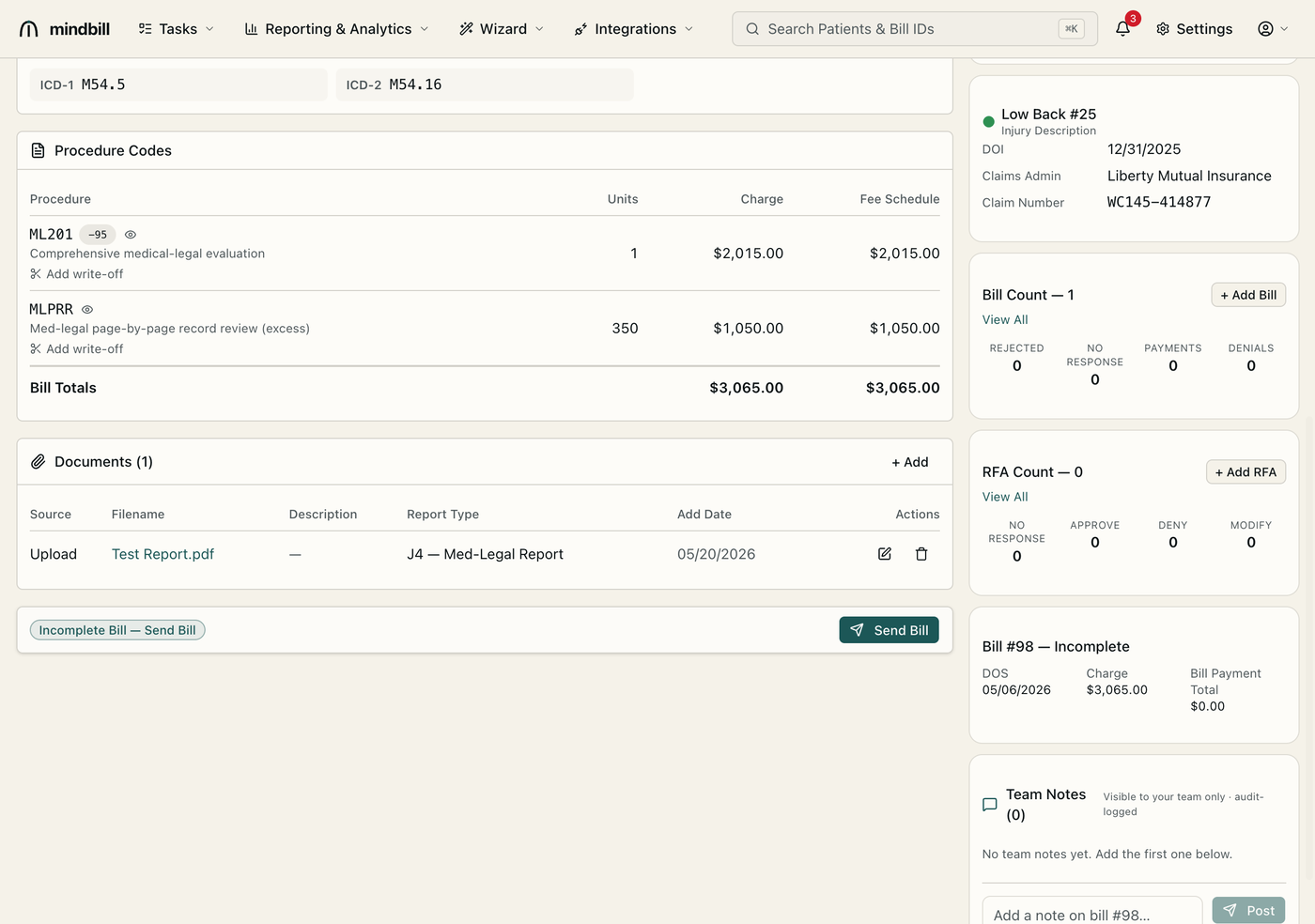
Whatever the method, the bill records how and when it went out. For electronic sends, View EDI shows the actual ASC X12 005010X222A1 (837P) envelope segment by segment, from the ISA/GS headers through the claim and service lines, with the clearinghouse routing noted. The bill's history then timestamps the dispatch and tracks each inbound acknowledgment, so you always have proof of the submission method and time.