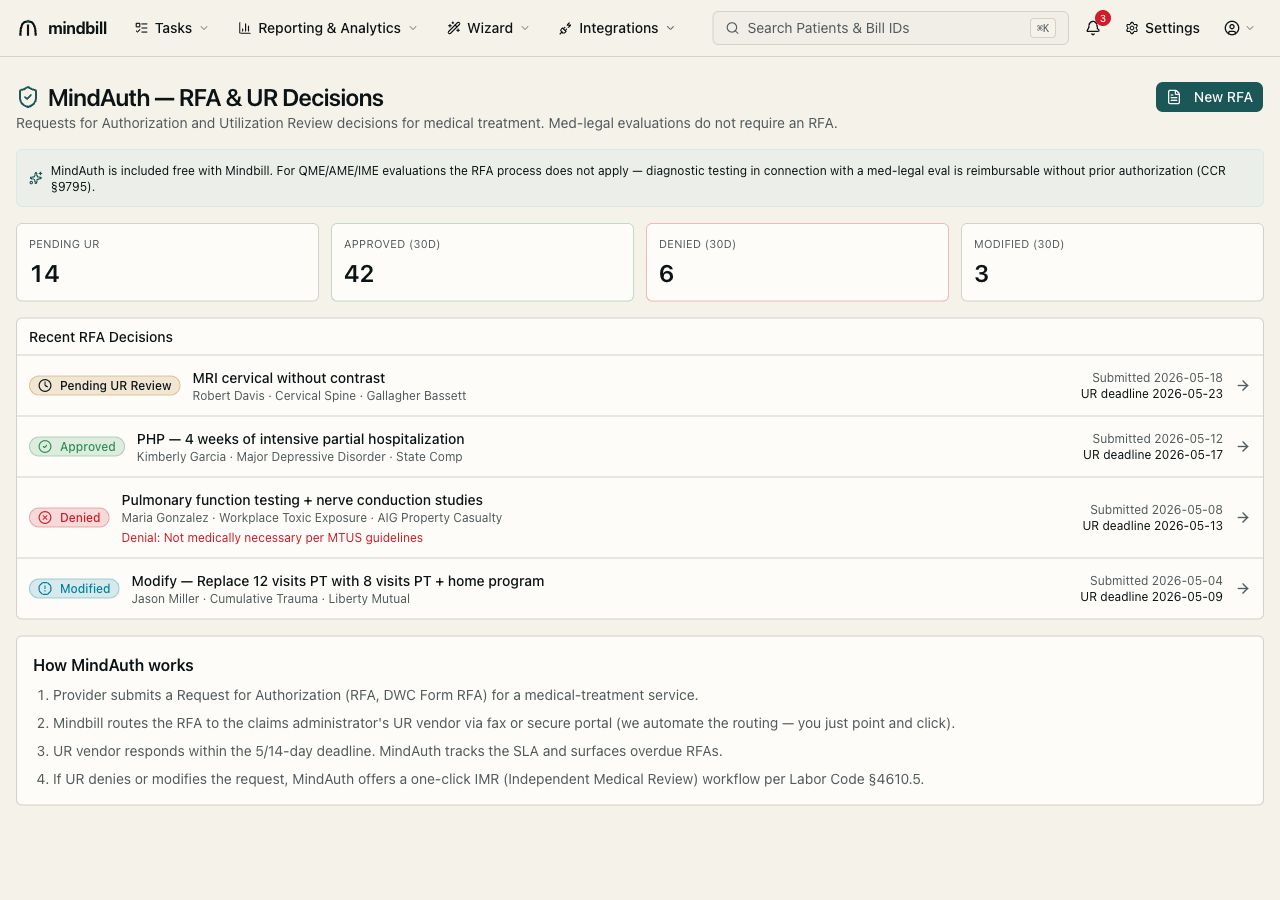
Step 1 — Read the MindAuth dashboard
Open MindAuth (/rfa). The dashboard tallies UR status across your claims — pending UR, approved (trailing 30 days), denied, and modified — and lists recent RFA decisions with their detail: the requested service, patient, body part, claims administrator, submission date, and the UR deadline. A banner reminds you that for QME/AME/IME evaluations the RFA process does not apply, so you only file RFAs for the treatment side of a claim.
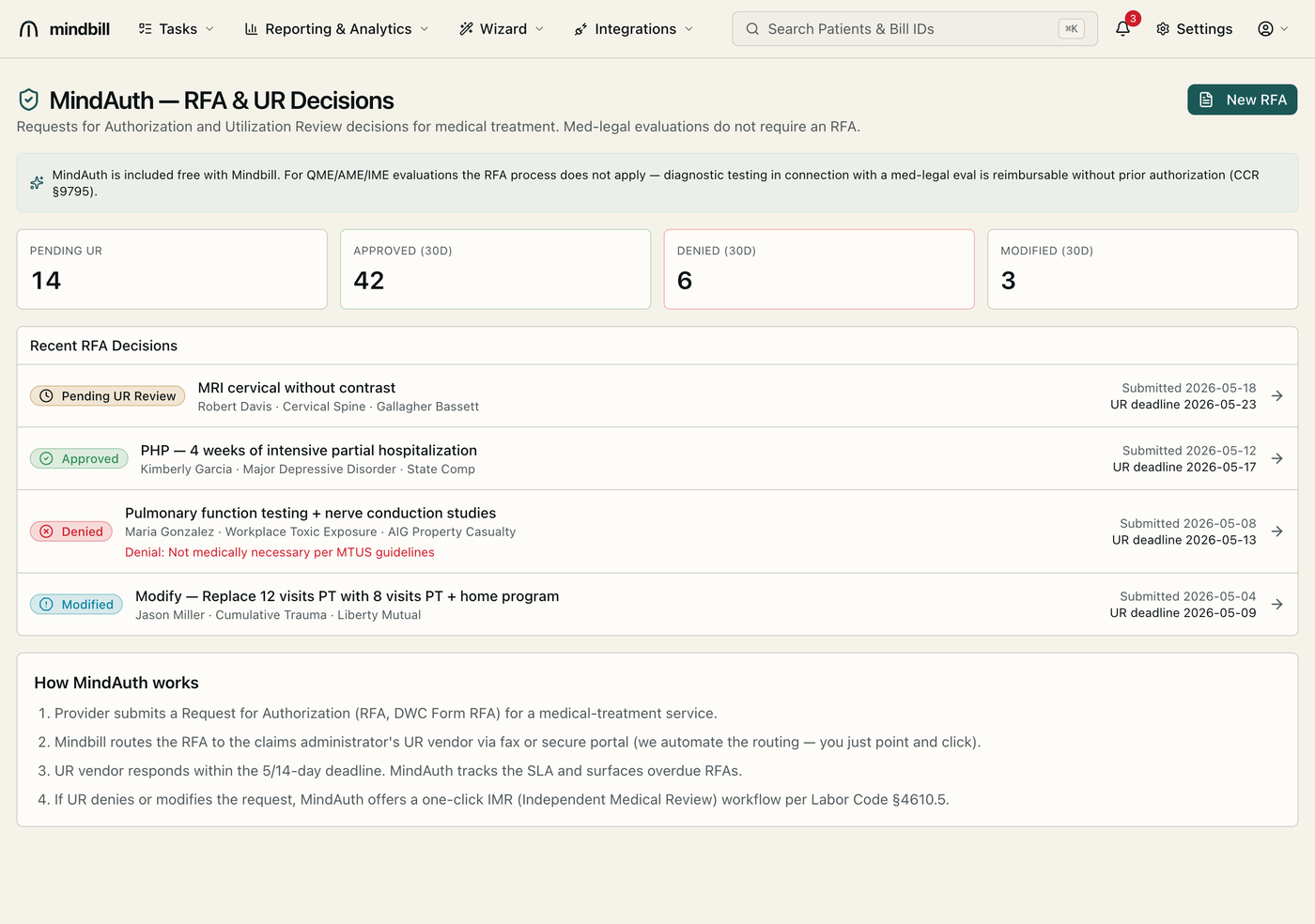
Step 2 — Review pending and decided RFAs
The decisions list groups RFAs by outcome — Pending UR Review, Approved, Denied, and Modified — each card showing the service and the UR deadline so nothing ages past its window. A denied RFA carries the stated reason (e.g. 'Not medically necessary per MTUS guidelines'), which tells you immediately whether to escalate to Independent Medical Review or rework the request. Tracking the deadline matters: UR has a statutory clock, and a no-response is itself an authorization basis.
Step 3 — Submit a new RFA
Click New RFA to start a Request for Authorization (DWC Form RFA) for a treatment service. You identify the patient, the claim, the requested service, and the supporting documentation. Once submitted, the RFA appears in the Pending UR lane with its UR deadline and tracks through to a decision — approved, modified, denied, or no-response — without leaving Mindbill.
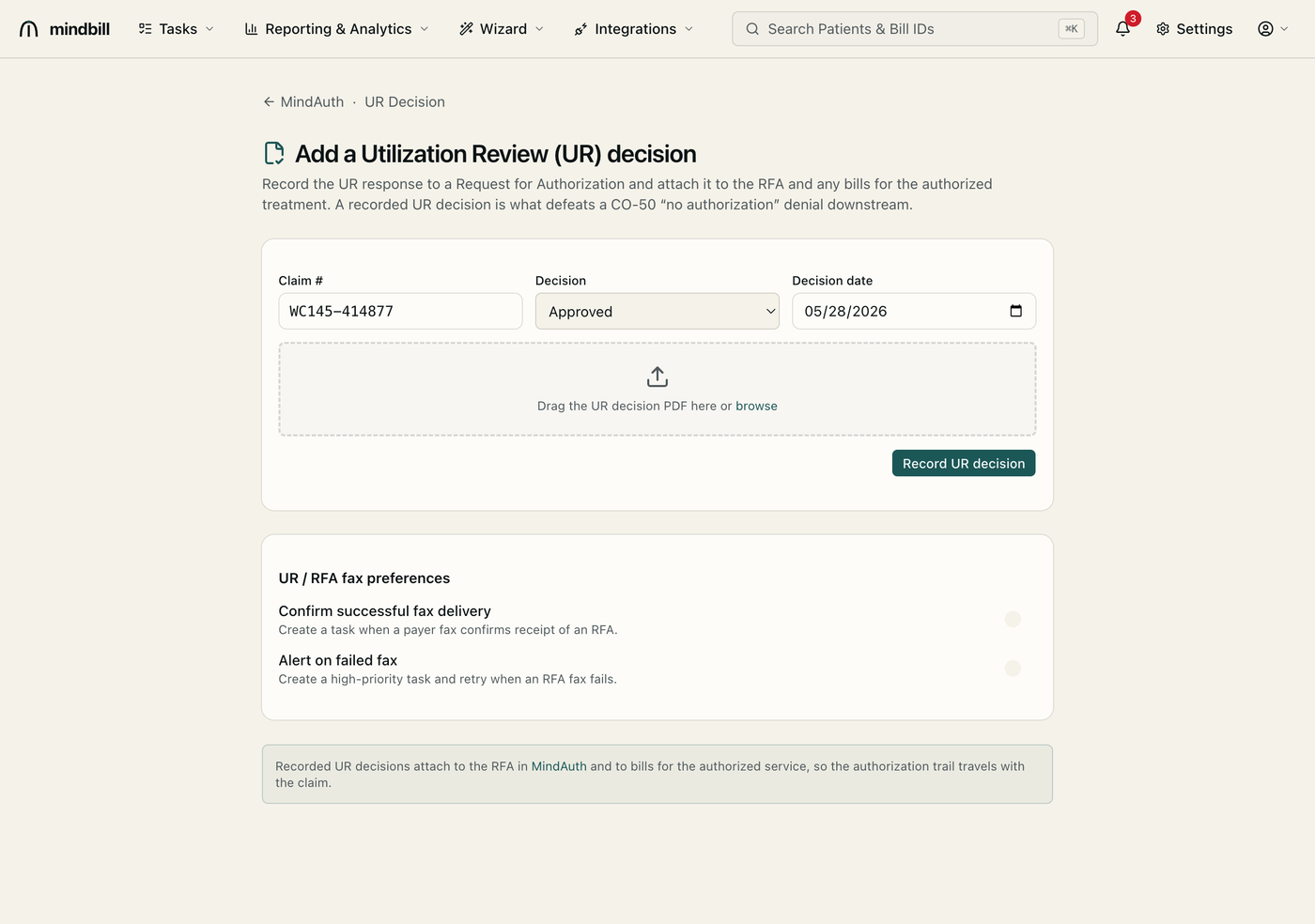
Step 4 — Record the UR decision and attach it to the bill
When the utilization-review response arrives, open Add UR Decision (/rfa/ur-decision). Enter the claim number, the decision (Approved, Approved-modified, or Denied), and the decision date, then drag in the UR decision PDF. A recorded UR decision attaches to the RFA in MindAuth and to any bills for the authorized treatment, so the authorization trail travels with the claim — which is precisely what defeats a CO-50 'no authorization' denial when the payer challenges the treatment line. You can also set fax-delivery confirmation and failed-fax alerts here.