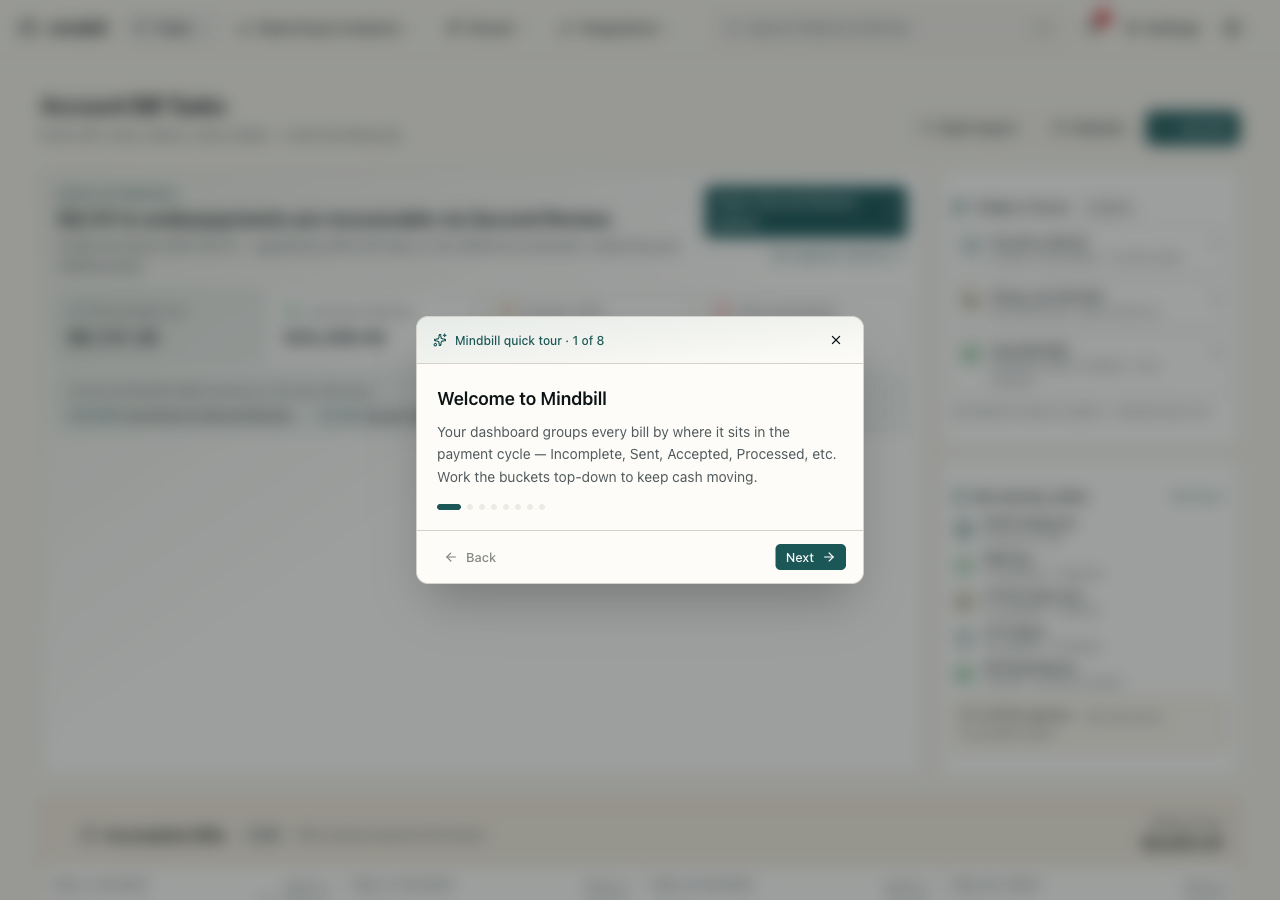
Step 1 — Start from the home dashboard
The home dashboard (Account Bill Tasks) opens to what needs attention now — a headline like '$9,131 in underpayments are recoverable via Second Review,' the count of bills below 99% MLFS that are still inside the 90-day appeal window, and lifetime collected. Quick actions sit up top (Add Bill, Bulk Import, Patients), and links drop you straight into the Second Review queue or appeals analytics. It's the triage screen before you dive into any one bill.
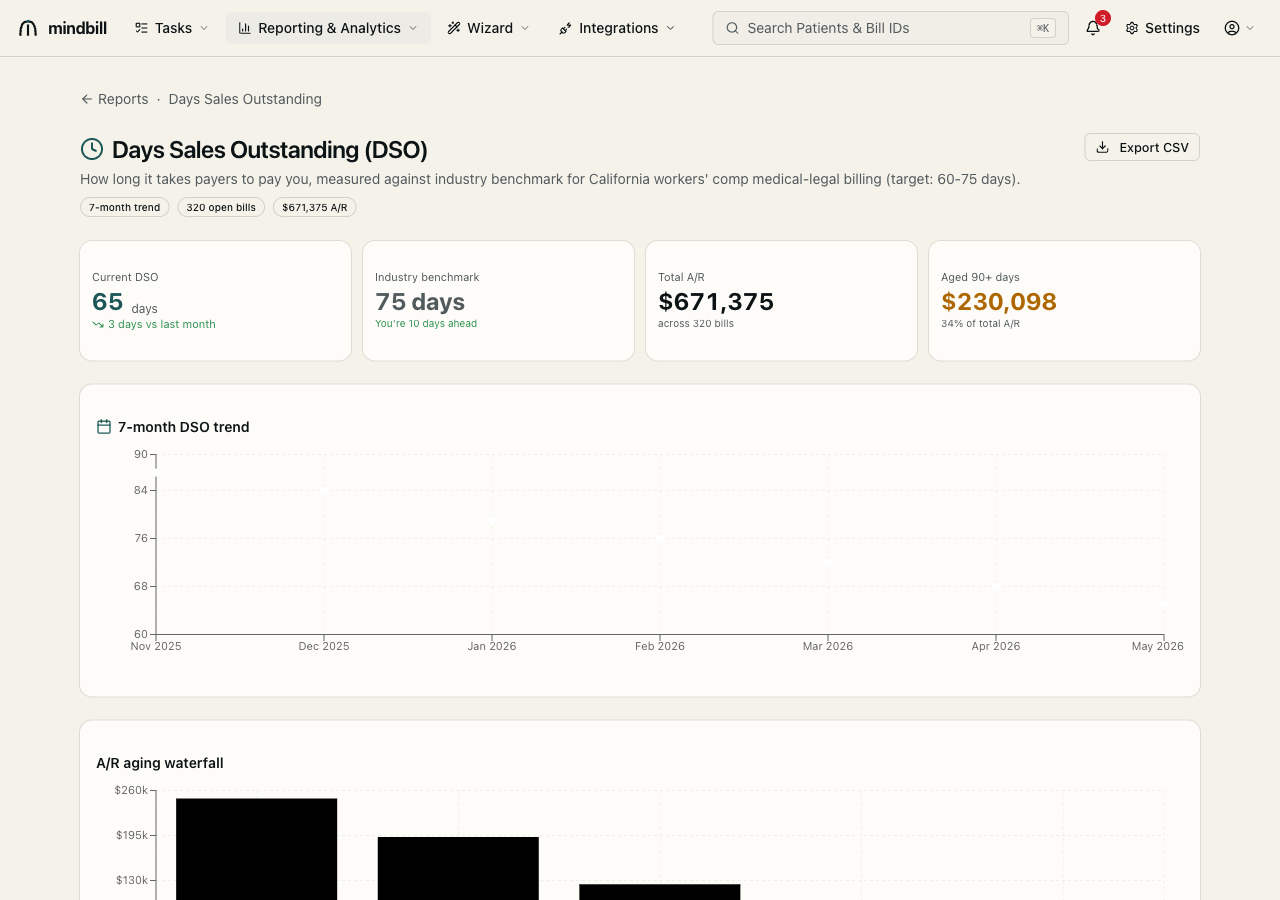
Step 2 — Use the grouped top nav and breadcrumbs
The top nav groups every surface under four menus — Tasks (bills, the board, the list), Reporting & Analytics (A/R, DSO, cash forecast, payment analytics), Wizard (the appeal and calculator generators), and Integrations (EDI inbox, payer directory, webhooks, API). Breadcrumbs at the top of each page show your trail (e.g. Reports · Days Sales Outstanding), so you always know where you are and can step back up a level in one click.
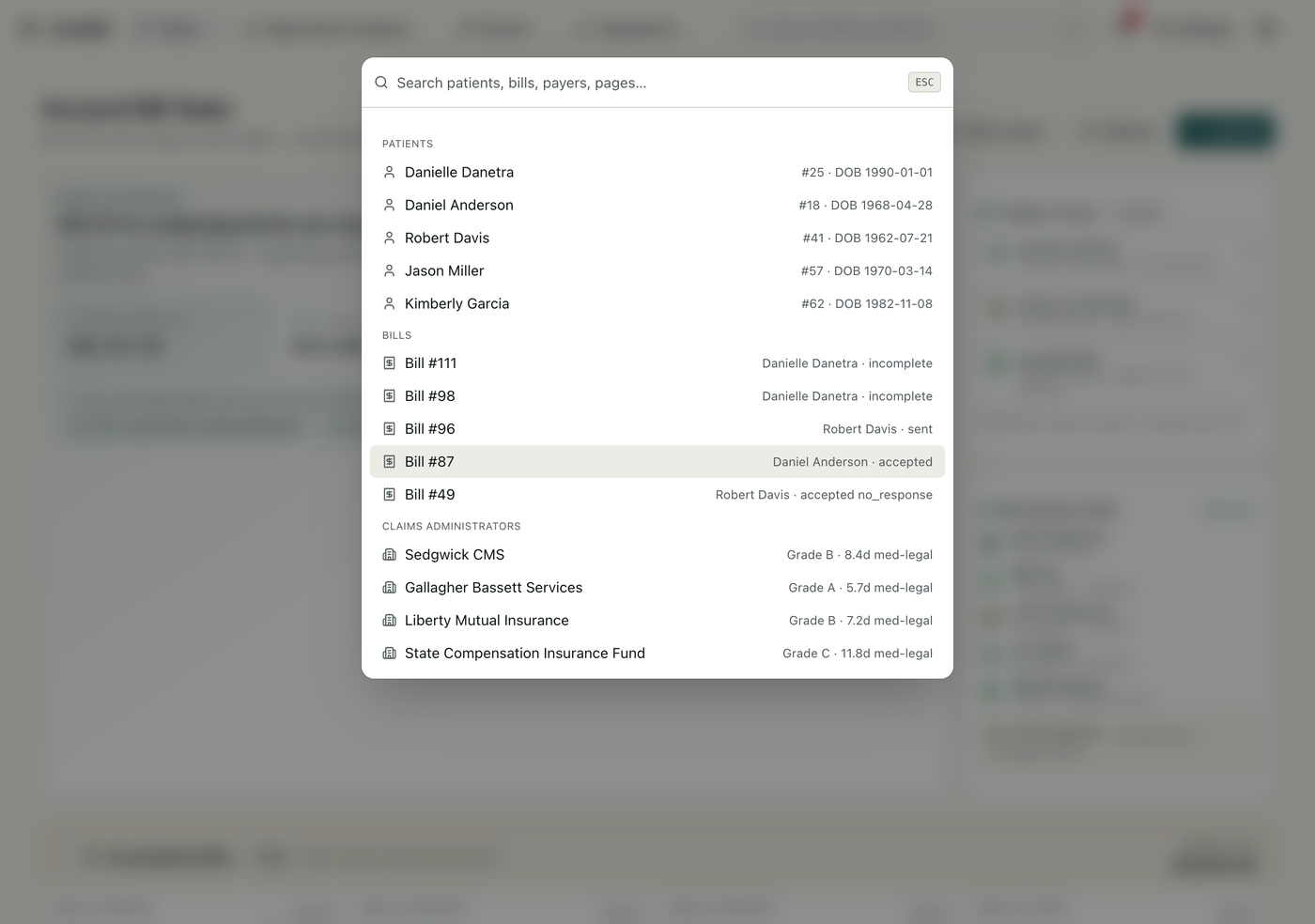
Step 3 — Jump anywhere with ⌘K
Press ⌘K (or click the search bar) to open the command palette. Start typing and it searches across everything at once — patients (by name or ID), bills (by number), payers, and pages. Type a patient's name and their record is one Enter away; type a bill number and you're on its detail page. It's the fastest path from anywhere to anything, no menu-hunting.
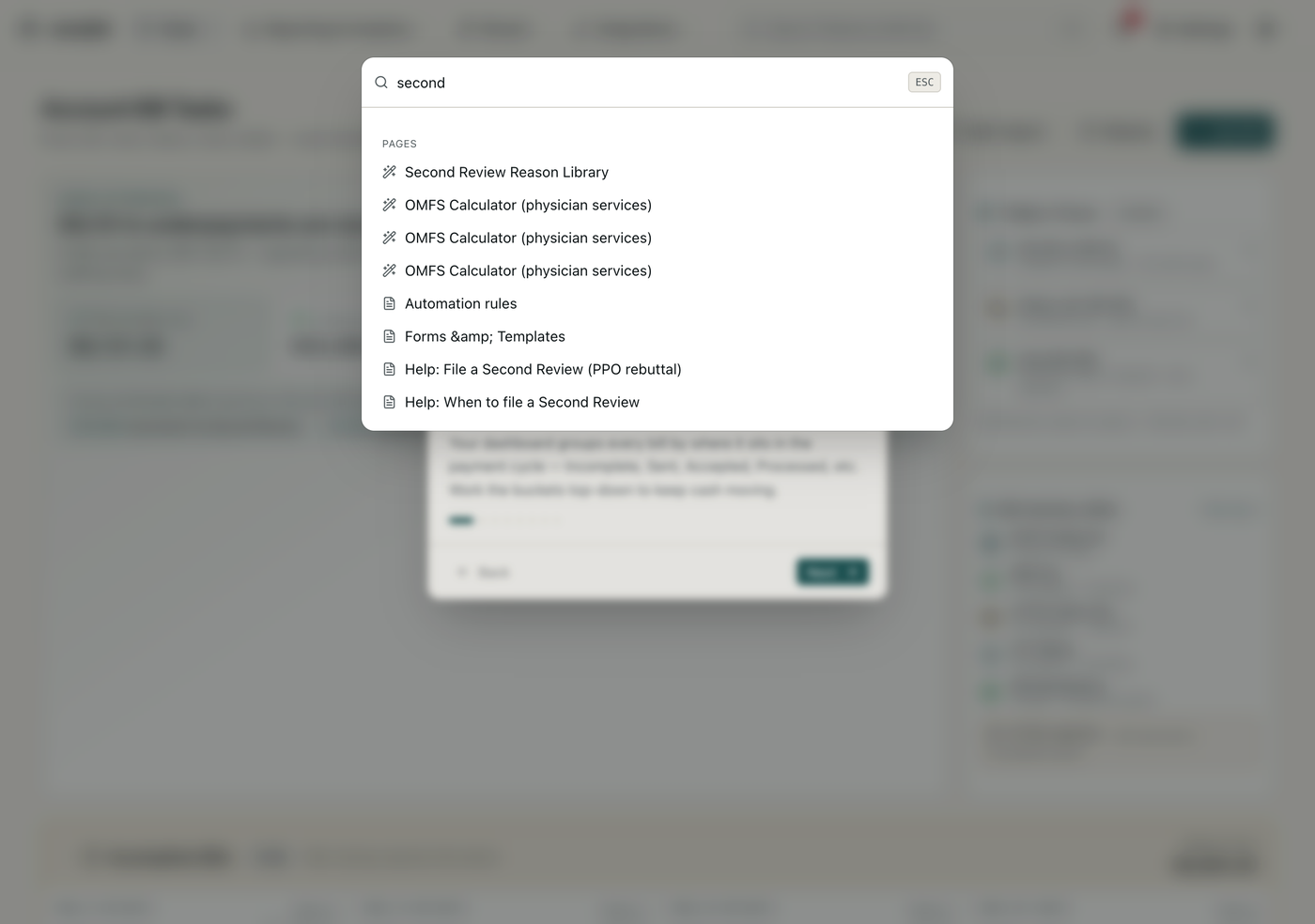
Step 4 — Search indexes pages and help too
The palette isn't just records — it indexes every page and these help articles. Type 'second' and it surfaces the Second Review Reason Library, the relevant calculators, Automation rules, and the help articles on filing a Second Review. So the command palette doubles as your in-app documentation jump: when you're mid-task and need the procedure, ⌘K finds the article without leaving the screen you're on.