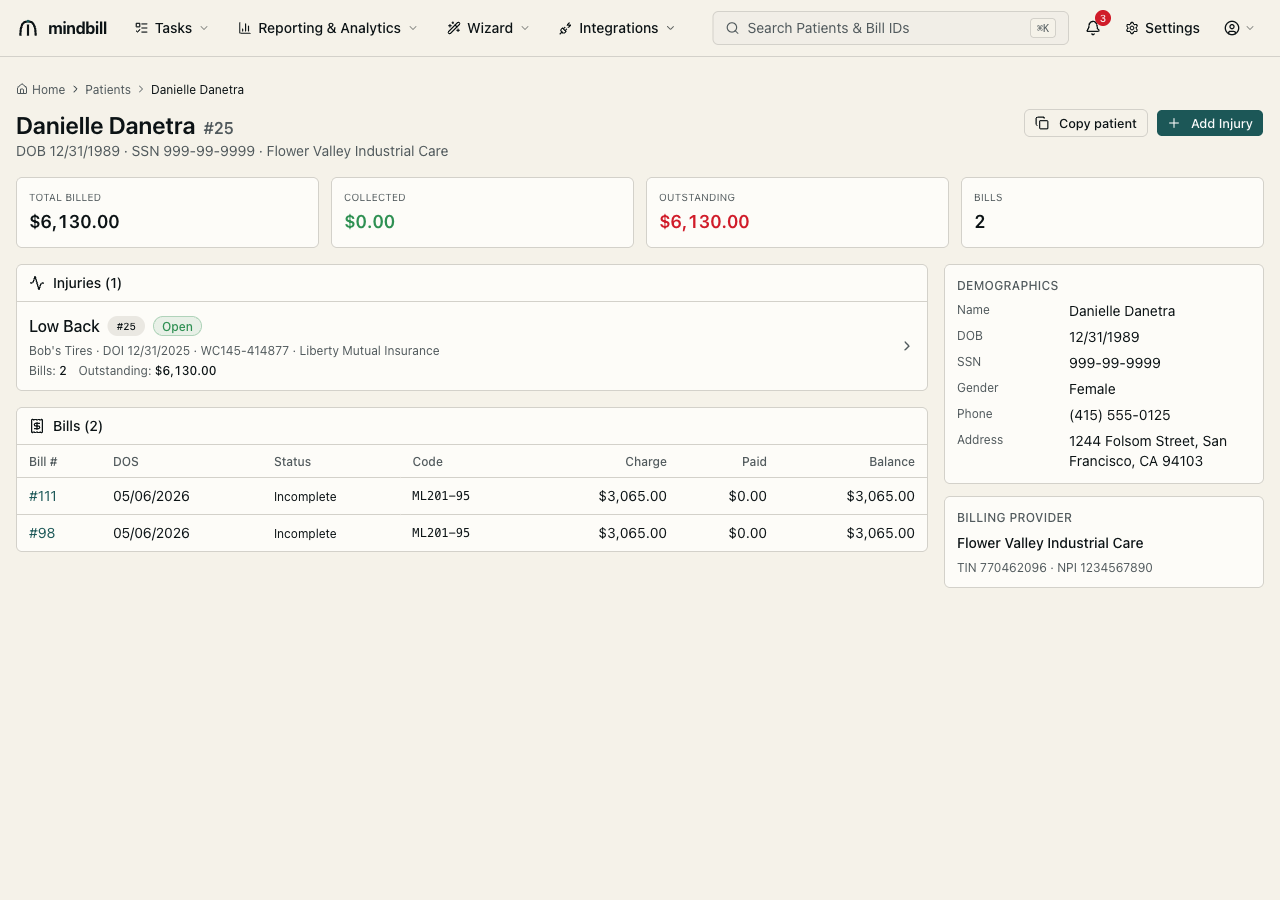
Step 1 — Find the actions on the bill detail page
Open any bill (here, #98). The action bar across the top of the detail page carries Edit, CMS-1500, Print Packet, View EDI, Copy, and Delete. These are the record-management actions — Copy duplicates the bill, Delete removes it (when allowed). The same guarded delete logic applies to patients and injuries from their own detail pages.
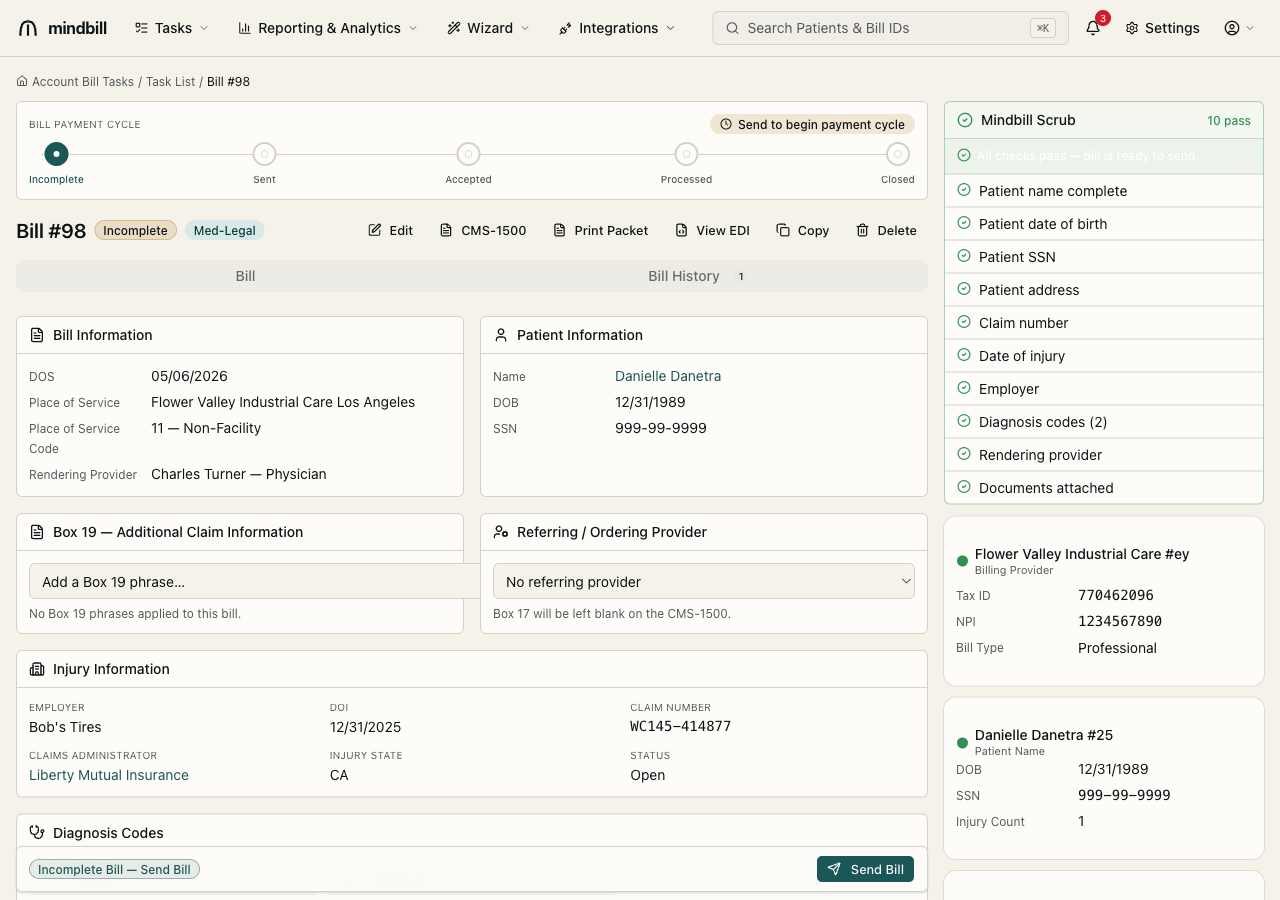
Step 2 — Copy a bill to start a follow-up
Click Copy and Mindbill clones the bill — same patient, same injury, same rendering provider and billing entity — into a fresh Incomplete bill (e.g. copying #98 creates #111 with identical line items and totals). You then just update the date of service and any changed codes. This is the fast path for a follow-up evaluation (ML202) or a deposition on the same claim: you reuse the legal spine and re-key only what's new.
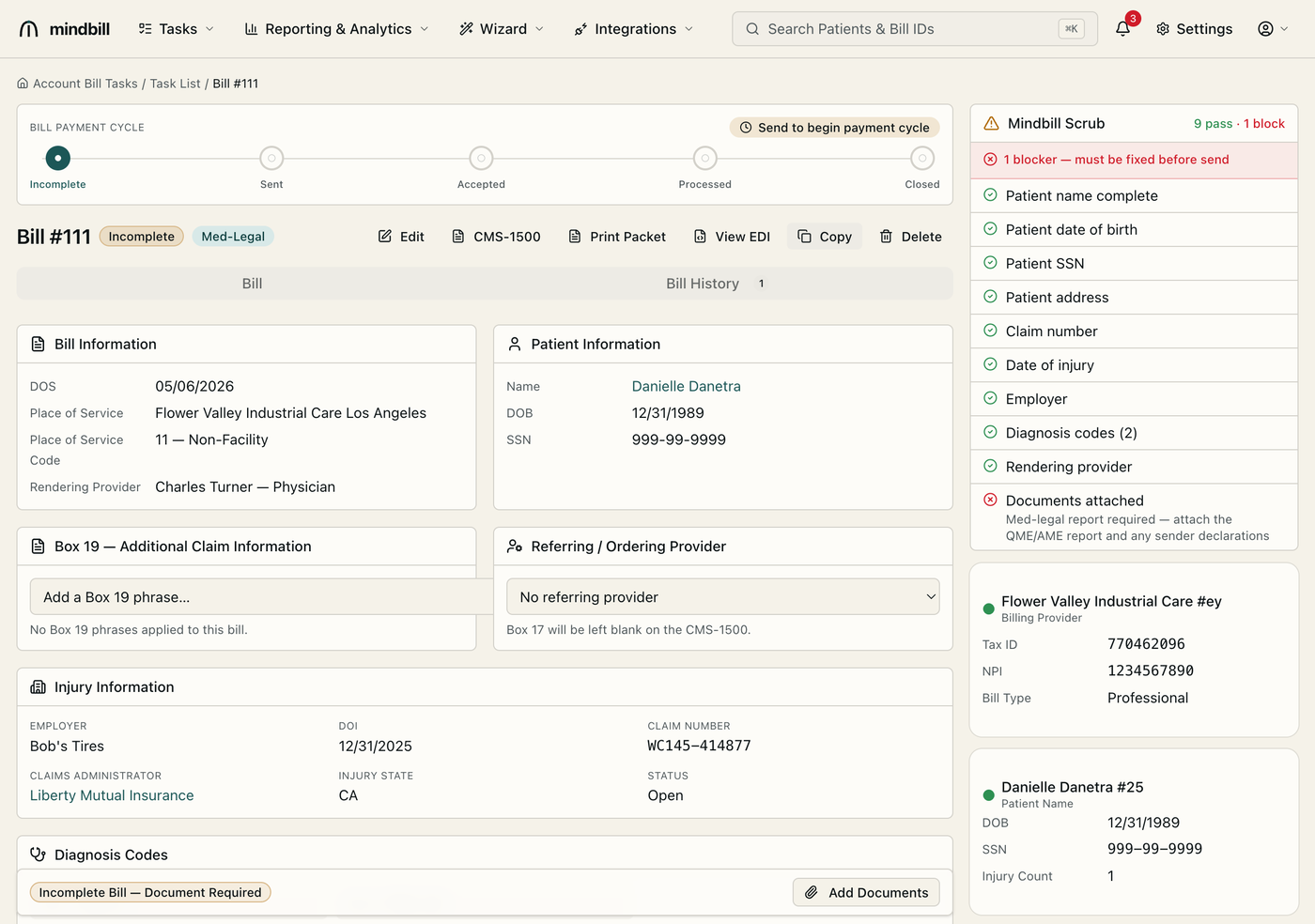
Step 3 — Delete only what's safe to delete
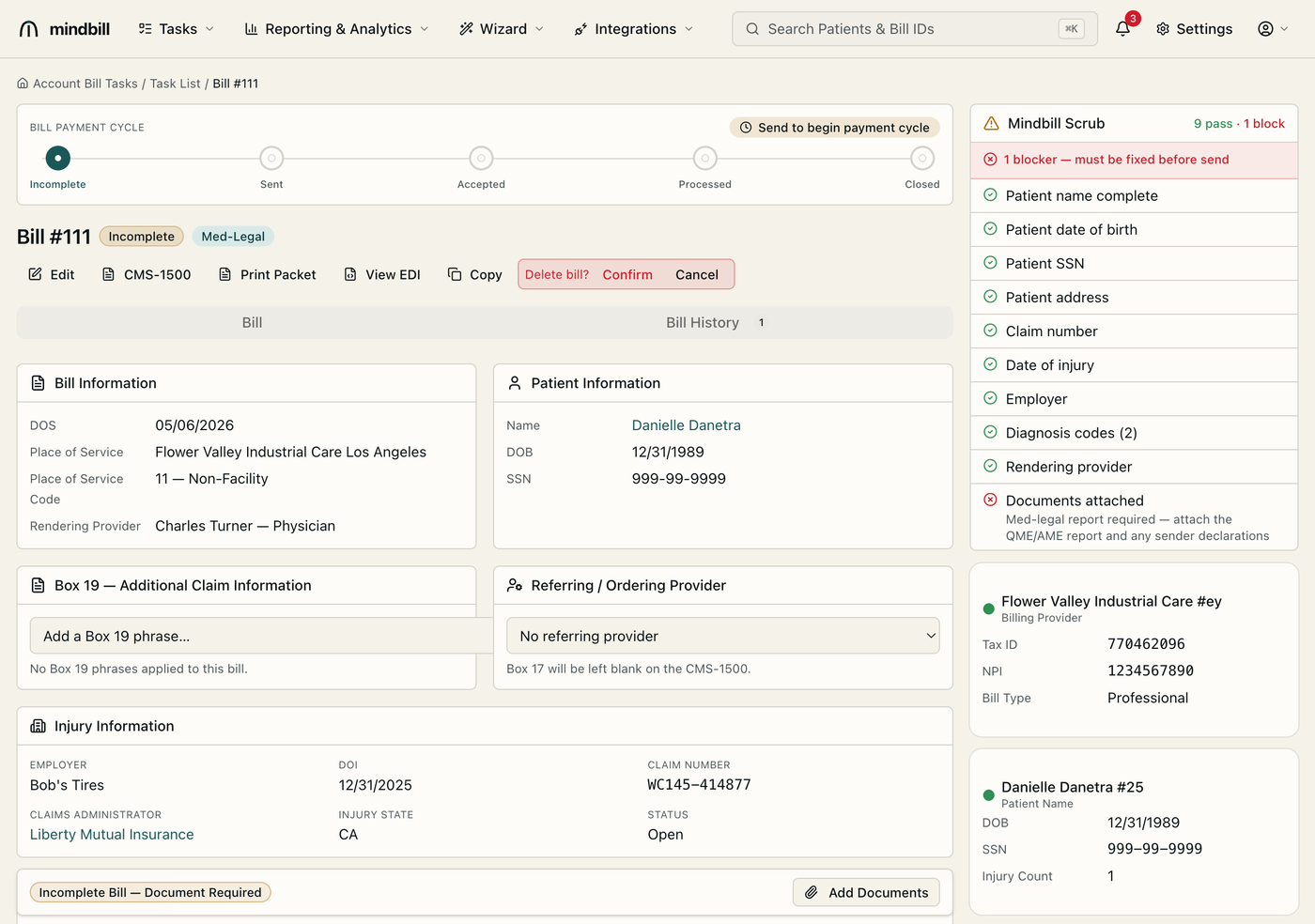
Deleting is guarded by the audit trail. An Incomplete bill that has never been sent can be deleted cleanly — it was never a legal demand for payment. A bill that has already been sent cannot be deleted, because it's part of the EDI record a payer received and a DWC audit may request. The copied #111 above, still Incomplete, is deletable; the original #98 once sent is not.
Step 4 — Deleting patients and injuries
Patients and injuries follow the same principle from their own detail pages. Deleting a patient or an injury warns you about the bills attached to it, because removing the parent would orphan billing history. The rule is consistent throughout: reuse freely, but never let a cleanup action erase a record that's already part of a transmitted, legally significant bill.